Project Planning
The Pre-Construction Cabling Checklist: What to Settle Before the Walls Close
A phase-by-phase low-voltage checklist for commercial construction, from drawing review through testing and closeout, to avoid costly change orders.
By UTECH · · 5 min read
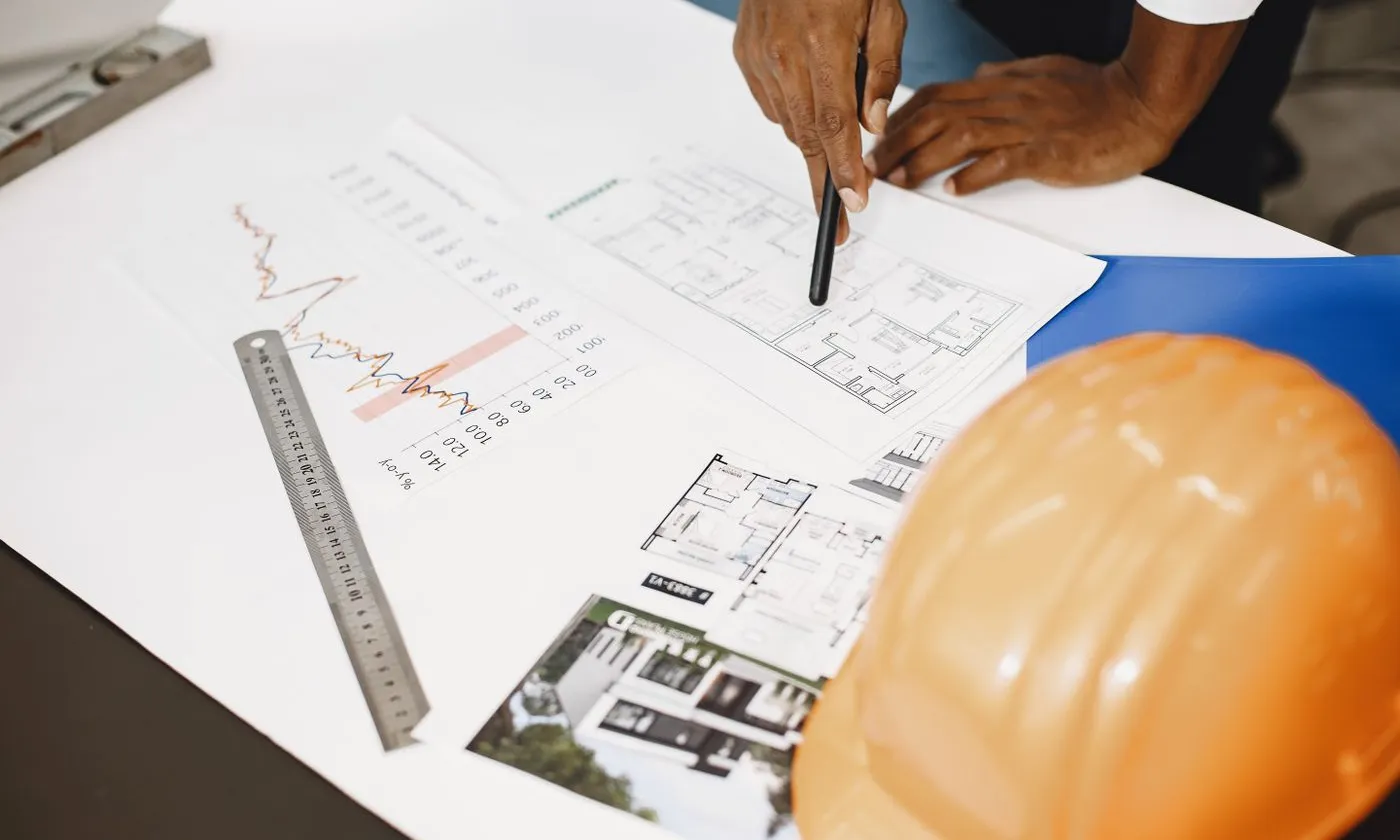
The cheapest time to fix a cabling problem is on paper, during design. The second cheapest is before drywall. After the ceilings close, every missed drop, undersized pathway, or misplaced telecom room becomes a change order. This checklist follows the construction schedule, so each item lands when it is still easy to act on.
Why low voltage belongs in the design meetings
A modern commercial space runs far more than computers and phones over its cabling: Wi-Fi access points, IP cameras, door access control, intercoms, conference room AV, digital signage, building controls, and point-of-sale. Each device needs a cable, a pathway, power, and a home in a telecom room.
When the low-voltage contractor joins at blueprint review instead of after framing, those needs are coordinated with electrical, HVAC, fire protection, and architecture before any of them are built.
Phase 1: Design and drawing review
- [ ] Count every device, not just every desk. Workstations, phones, printers, access points, cameras, card readers, door strikes, intercoms, displays, and any specialty equipment.
- [ ] Add growth capacity. Plan spare drops where expansion is likely, without overbuilding the whole floor.
- [ ] Locate the MDF and every IDF. Keep every horizontal run under 90 meters from its closet, measured along the real cable path, not a straight line.
- [ ] Size telecom rooms for real equipment. Racks, clearance in front and behind, wall space for backboards, and room to grow.
- [ ] Specify power and cooling for telecom rooms. Dedicated circuits, UPS space, and enough HVAC to handle switch and PoE heat around the clock.
- [ ] Plan grounding and bonding. A telecom grounding busbar in each room, bonded to the building ground per the TIA-607 standard.
- [ ] Select cable types. Cat6 or Cat6A horizontal, multimode or single-mode fiber backbone, and the right fire rating (plenum or riser) for each space.
- [ ] Design access point locations with a wireless plan, not by spacing them evenly across the ceiling.
- [ ] Get the door hardware schedule. Access control depends on the doors, frames, and locking hardware another trade provides. Coordinate early.
- [ ] Order carrier service. Internet circuits for new construction can take weeks to months to install. Confirm the carrier entrance location and demarc.
- [ ] Confirm permit requirements. Low-voltage permit rules vary by municipality; know what applies before work starts.
Phase 2: Before rough-in
- [ ] Walk the site with the GC. Confirm ceiling heights, structure, and obstructions the drawings do not show.
- [ ] Coordinate pathways with other trades. Cable tray, J-hooks, conduit, and sleeves have to share ceiling space with duct, sprinkler, and electrical.
- [ ] Set sleeves and core drills through rated walls and floors, sized for future cable.
- [ ] Install fire-rated plywood backboards in telecom rooms before equipment arrives.
- [ ] Confirm back boxes and conduit at every wall outlet, camera, reader, and door location.
- [ ] Separate low voltage from power and keep cable away from motors, ballasts, and other noise sources.
Phase 3: Rough-in
- [ ] Support cable properly. J-hooks or tray at regular intervals; never lay cable on ceiling tiles or tie it to sprinkler pipe.
- [ ] Respect bend radius and pull tension limits for every cable type.
- [ ] Leave service loops in telecom rooms and at device ends.
- [ ] Label both ends of every cable as it is pulled, using the labeling scheme agreed at design (TIA-606).
- [ ] Firestop every penetration with a listed system as you go, not at the end.
- [ ] Pull the fiber backbone and protect it in innerduct where it shares pathways.

Phase 4: Before the ceilings close
- [ ] Verify every planned drop is pulled. Walk the space against the drawings.
- [ ] Confirm access point and camera locations against the final ceiling grid and light layout.
- [ ] Photograph above-ceiling work for the record.
- [ ] Resolve inspection items with the inspector before finishes go up.
Phase 5: Trim-out, testing, and closeout
- [ ] Terminate and dress racks, patch panels, and wall plates neatly.
- [ ] Certify every copper link with a certification tester and every fiber link with loss testing (OTDR where specified).
- [ ] Correct every failed link before turnover.
- [ ] Deliver the closeout package: test results, as-built drawings, cable schedules, rack elevations, and fiber documentation.
- [ ] Register the manufacturer warranty where the project calls for one.
The mistakes that cause the most change orders
- Counting drops from headcount instead of from a full device list
- Treating telecom rooms as leftover space, too small, too hot, or without power
- Forgetting access control until the door hardware is already installed
- Placing access points where the ceiling allows instead of where coverage requires
- Ordering carrier service late and opening the building without internet
- Waiting until the end to test, when failed runs are behind finished ceilings
- Handing over an unlabeled, undocumented system
Bring the cabling contractor in early
UTECH works with general contractors, developers, and owners across New York, New Jersey, and Pennsylvania from drawing review through closeout, on commercial, retail, and multifamily projects. Contact UTECH to review your drawings before construction moves ahead.