Structured Cabling
Cat5e vs. Cat6 vs. Cat6A vs. Cat8: What Your Office Network Actually Needs in 2026
A plain-English comparison of Ethernet cable categories and which one belongs in your walls, your ceilings, and your server rack.
By UTECH · · 4 min read
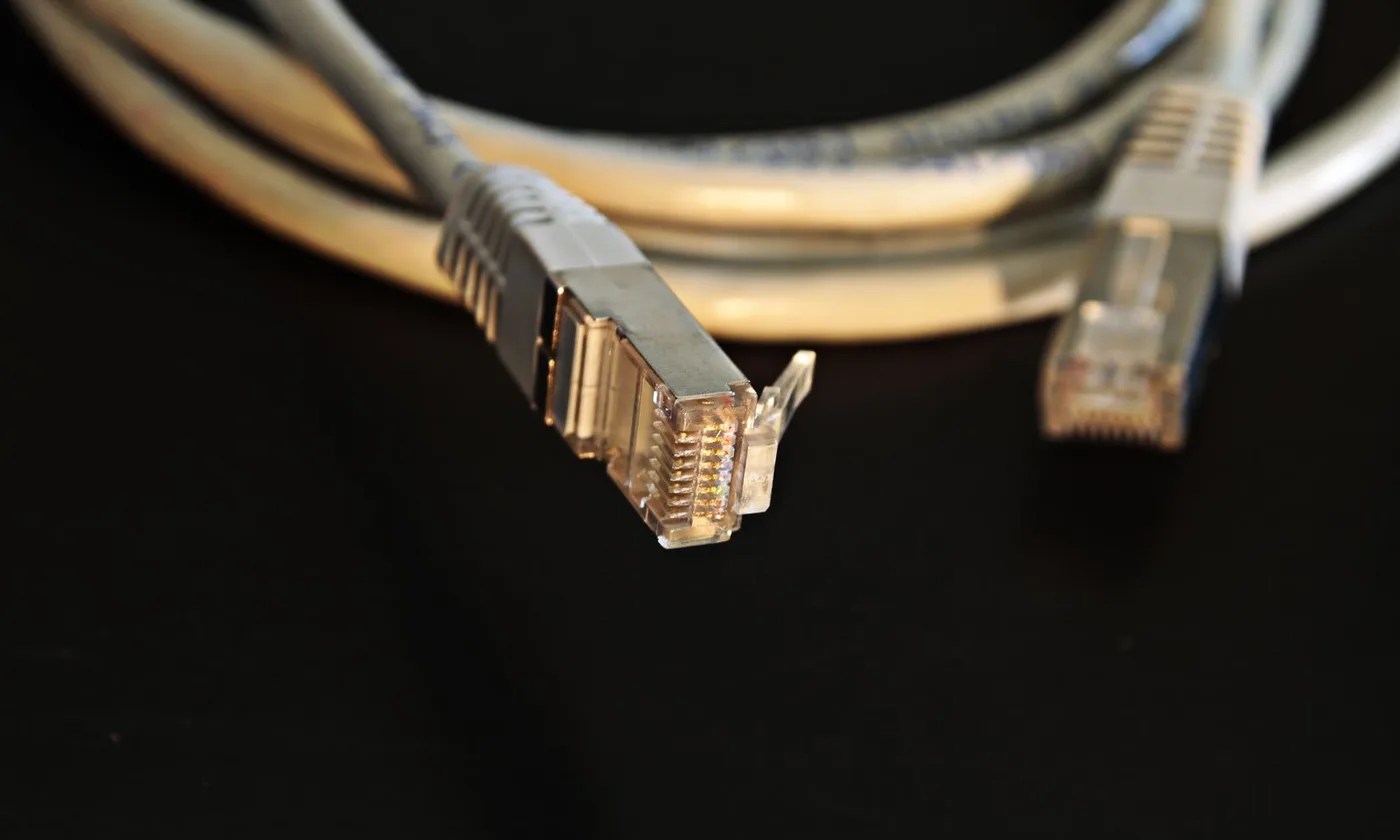
For a new commercial install in 2026, Cat6A is the safe default for wall and ceiling drops. Cat6 still works for tight budgets with short runs, Cat5e should only stay where it is already installed, and Cat8 belongs in the server rack, not in your walls.
“It’s just a cable” holds right up until a video call freezes in front of a client, or the new access points refuse to run at full speed. The cable you choose today will likely outlast three generations of switches, laptops, and Wi-Fi. Here is how the categories really compare, and where each one fits.
The categories at a glance
| Category | Rated bandwidth | Speed at full 100 m | Higher speeds | Where it fits today |
|---|---|---|---|---|
| Cat5e | 100 MHz | 1 Gb/s (2.5 Gb/s supported) | None practical | Existing installs only |
| Cat6 | 250 MHz | 1 Gb/s (5 Gb/s supported) | 10 Gb/s on shorter runs, roughly 55 m or less | Budget offices, short runs |
| Cat6A | 500 MHz | 10 Gb/s | — | Default for new commercial work |
| Cat8 | 2,000 MHz | Not designed for 100 m | 25–40 Gb/s up to 30 m | Switch-to-server links in the rack |
You may also see Cat7 advertised. It is an international (ISO/IEC) class, not a recognized TIA category in North America, and it uses connectors most commercial equipment does not. For U.S. commercial projects, it is a detour; skip it.
Why Cat6A has become the default
Wi-Fi drives it. Modern access points (Wi-Fi 6E and Wi-Fi 7) ship with multi-gig uplinks of 2.5, 5, or 10 Gb/s. A Cat5e or marginal Cat6 run can force those access points to fall back to slower speeds, and the access point is often the busiest device on the network.
Power drives it. Higher-power PoE (the IEEE 802.3bt standard) pushes significant current down the cable. Bundled cables warm up under that load, and warmer copper loses signal. Cat6A’s larger conductors and construction handle the heat better.
Interference drives it. At 10 Gb/s, crosstalk between neighboring cables in a bundle (“alien crosstalk”) becomes a real limit. Cat6A is engineered to control it; Cat6 is not, which is why Cat6’s 10 Gb/s reach is so short.
Where each category still makes sense
Cat5e: leave it if it works. If an existing office is stable on 1 Gb/s and the lease ends soon, there is no reason to rip it out. Do not install new Cat5e.
Cat6: the budget option. Fine for desk drops, phones, printers, and small offices where every run is short and 1 Gb/s to the desk is plenty. Be cautious using it for access points you expect to upgrade.
Cat6A: install once, stop thinking about it. Recommended for access points, cameras, and any office expecting to stay in the space for years. For new construction, it is the cable that will not be the bottleneck.
Cat8: data-center only. Cat8 is built for very short, very fast links between switches and servers. Running it to wall jacks adds cost and stiffness for zero benefit, because no desktop device uses its speed.

The trade-offs nobody puts on the box
- Size. Cat6A is noticeably thicker. It fills conduit, sleeves, and cable tray faster, so pathways need to be sized for it at design time.
- Labor. Thicker, stiffer cable takes longer to pull, dress, and terminate. Expect higher installation cost than Cat6, not just higher material cost.
- Shielded or unshielded. Unshielded Cat6A (U/UTP) works for most offices. Shielded versions (F/UTP) suit electrically noisy spaces but must be grounded correctly end to end, or the shield causes problems instead of solving them.
A cable is only as good as its weakest part
A channel performs at the level of its lowest-rated component. Cat6A cable terminated on Cat6 jacks, or patched with cheap cords, performs like Cat6 at best. Every jack, patch panel, and cord should match the category you paid for, and every link should be certified with a cable-certification tester. Those test reports are your proof of performance and are usually needed for manufacturer warranties.
Quick decision guide
| Your situation | Recommended cable |
|---|---|
| New build-out or long lease | Cat6A throughout |
| Small office, short runs, tight budget | Cat6 to desks, Cat6A to access points |
| Existing Cat5e that works, lease ending | Keep it; upgrade at next move |
| Server room or network core | Fiber or Cat8 for short switch-to-server links |
| Warehouse or plant with heavy machinery | Shielded Cat6A, fiber for long runs |
Get the right cable in the right places
The fastest cable everywhere is rarely the right answer. The right answer is the right cable in each location, installed and tested so it performs as rated. UTECH designs and installs structured cabling for offices, retail, and multifamily buildings across New York, New Jersey, and Pennsylvania. Contact UTECH to talk through your next build-out.