Structured Cabling
Ethernet Cable Frequency: What the MHz Rating Means and Why It Matters
MHz is not Mbps. Here is what an Ethernet cable's frequency rating actually certifies, and how it affects the speeds your network can run.
By UTECH · · 4 min read
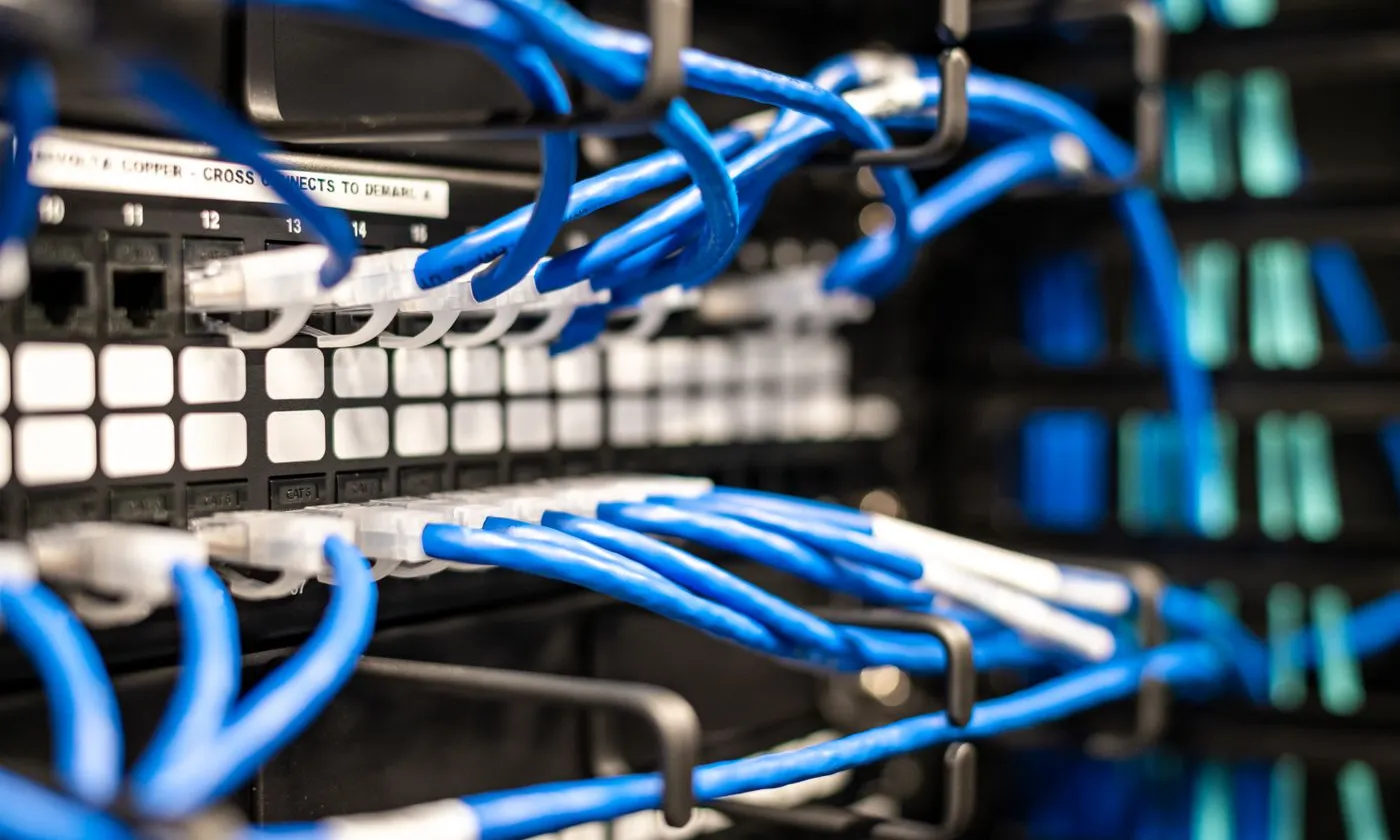
A cable’s MHz rating is the highest frequency at which it is tested to meet strict limits on signal loss and interference. It is not a speed. Higher-rated cable gives faster Ethernet standards the clean signal they need, which is why the rating tracks closely with the speeds each category supports.
MHz is not Mbps
This is the most common point of confusion. Megahertz (MHz) describes the range of signal frequencies a cable is engineered and tested to carry cleanly. Megabits per second (Mbps) describes how much data the network actually moves.
Ethernet equipment packs multiple bits into each signal cycle and uses all four wire pairs at once. That is why a 500 MHz cable can carry 10,000 Mbps. The faster an Ethernet standard runs, the higher the frequencies it uses, and the more bandwidth the cable needs to carry those frequencies without distortion.
What the rating actually certifies
When a cable is rated to a frequency, it has been tested across that whole range for several measurements:
- Insertion loss (attenuation): how much signal fades over the length of the cable. Loss grows with both frequency and distance.
- Near-end and far-end crosstalk (NEXT and FEXT): how much signal leaks between pairs inside the same cable.
- Alien crosstalk: leakage between neighboring cables in a bundle. This becomes a limiting factor at 10 Gb/s.
- Return loss: signal reflected back by inconsistencies in the cable or connectors.
A cable that stays within limits at higher frequencies supports faster Ethernet standards.
Frequency ratings by category
| Category | Rated to | Ethernet it is designed for |
|---|---|---|
| Cat5e | 100 MHz | 1 Gb/s at 100 m |
| Cat6 | 250 MHz | 1 Gb/s at 100 m; 10 Gb/s over short runs |
| Cat6A | 500 MHz | 10 Gb/s at 100 m |
| Cat8 | 2,000 MHz | 25–40 Gb/s up to 30 m |
Why higher-rated cable sometimes has shorter reach
Cat8 tops out at 30 meters, and people often conclude that higher frequency means shorter distance. The real reason is the application. The 25 and 40 Gb/s Ethernet standards that Cat8 serves were designed for short links between switches and servers in a data center, so the cable was specified for that use.
For any single category, though, the physics hold: higher frequencies fade faster over distance. That is why every Ethernet speed has a maximum supported length.
How cables are built to handle higher frequencies
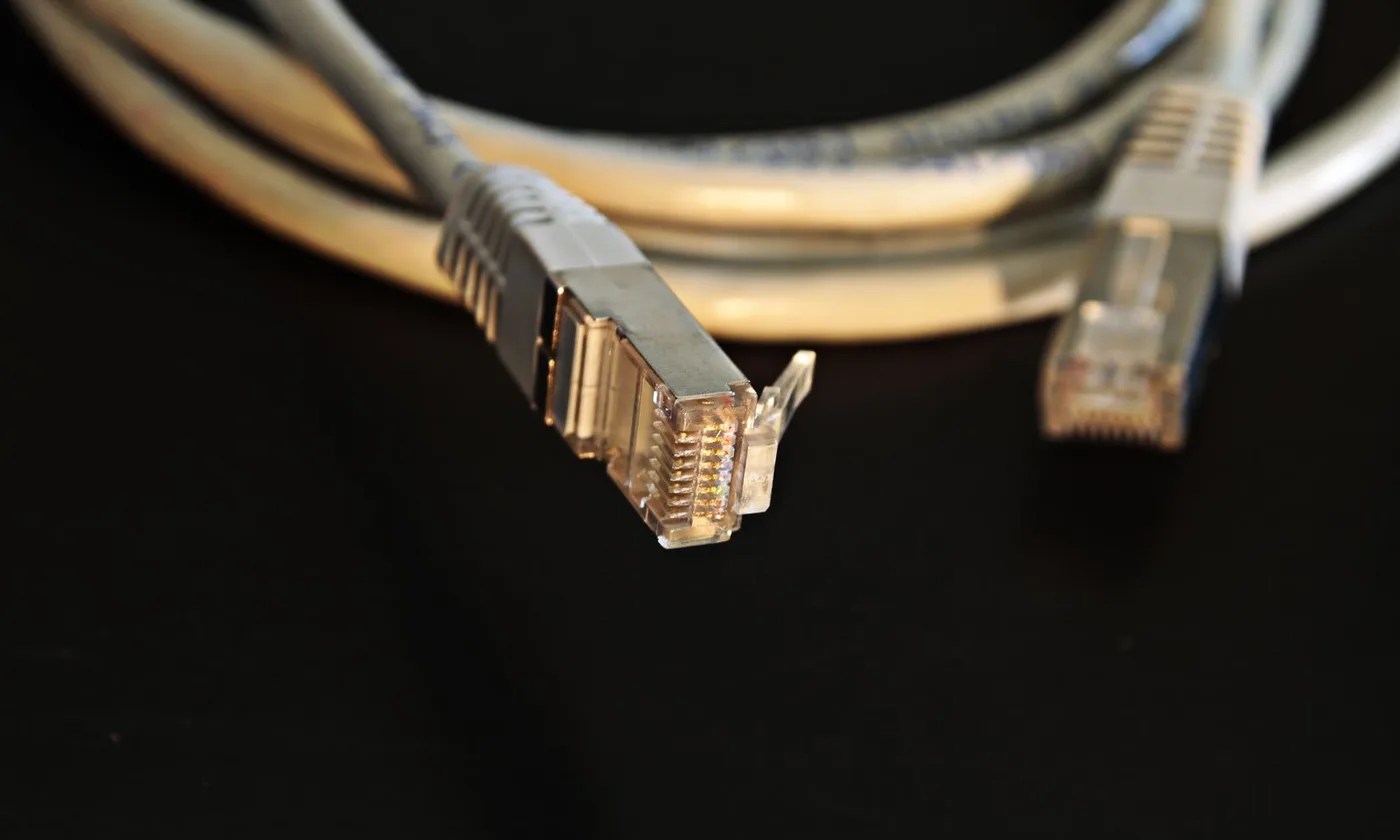
- Twist rate: each pair is twisted at a different rate to cancel interference between pairs. Higher categories use tighter, more precisely controlled twists.
- Conductor size: thicker copper (a lower AWG number, such as 23 AWG vs. 24 AWG) reduces loss.
- Pair separators: an internal spline or filler keeps pairs apart and holds geometry steady.
- Shielding: foil or braid around pairs or the whole cable blocks outside interference. Shielding only works when it is grounded correctly from end to end.
- Jacket and insulation: materials and thickness affect both performance and the space a cable takes in a pathway.
Installation can erase the rating
A cable’s rating describes the cable on the reel. The installed link can perform worse if the work is careless:
- Untwisting pairs too far at the jack
- Bending tighter than the manufacturer’s minimum bend radius
- Cinching cable ties until they deform the jacket
- Running parallel to power cables or near motors and ballasts
- Mixing lower-rated jacks, panels, or patch cords into the channel
- Packing too many PoE-loaded cables into a tight bundle, where heat raises signal loss
This is why professional installs end with certification testing: every link is measured against the same frequency-based limits the cable was rated for.
Common myths
“Higher MHz always means a faster network.” Only if your equipment uses it. A 2,000 MHz cable to a desktop with a 1 Gb/s network card delivers 1 Gb/s.
“If it links at 1 Gb/s, the cable is fine.” A marginal link can connect and still drop packets, slow down under load, or fail when the building gets busier. Testing tells you how much margin you actually have.
“Cat7 is the next step after Cat6A.” In North America, Cat7 is not a recognized TIA category and uses non-standard connectors. Cat6A, then Cat8 for data-center links, is the recognized path.
Choosing based on what you need
- 1 Gb/s to desks, short runs: Cat6 is enough.
- Wi-Fi access points, cameras, high-power PoE, or long-term occupancy: Cat6A.
- Short switch-to-server links in a rack: Cat8 or fiber.
- Noisy industrial spaces: shielded Cat6A, properly grounded, or fiber.
Get cabling that performs as rated
UTECH installs and certifies structured cabling across New York, New Jersey, and Pennsylvania, with test results for every link. Contact UTECH to plan your project.