Structured Cabling
Fiber vs. Copper Cabling: Where Each One Earns Its Place in a Commercial Building
Fiber or copper? For most commercial buildings the answer is both. Learn where each cable type fits based on distance, power, environment, and long-term cost.
By UTECH · · 6 min read
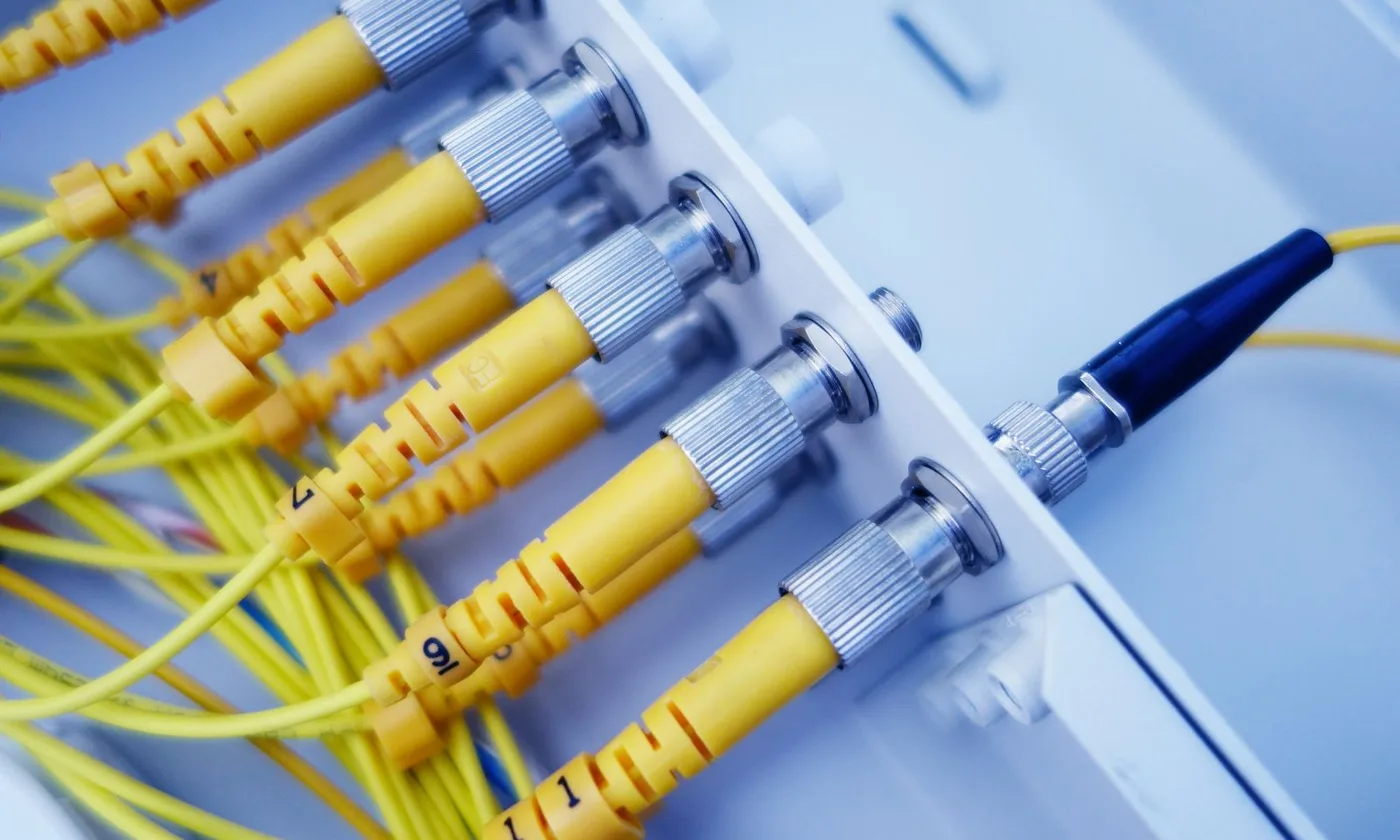
For most commercial buildings, the right answer is both: fiber for the backbone and long runs, copper for the last stretch to the devices people actually use. The real decision is where the line between them falls, and that comes down to distance, power, environment, and how long you plan to stay in the space.
Three questions that settle most fiber-vs-copper decisions
- How far does the signal have to travel? Twisted-pair Ethernet is engineered around a 100-meter channel: 90 meters of installed cable plus up to 10 meters of patch cords. Anything longer needs fiber, or a switch placed closer to the device.
- Does the device get its power from the cable? Wireless access points, IP cameras, VoIP phones, and door readers typically run on Power over Ethernet (PoE). Fiber cannot deliver power on its own, so the final link to those devices is almost always copper.
- What is the cable running past? Elevator machine rooms, motor-driven equipment, and large electrical rooms create interference that copper has to be shielded or routed away from. Fiber carries light, not electricity, so electrical noise does not affect it.
Answer those three for each run, and the design usually draws itself.
How the two technologies move data
Copper sends electrical signals down four twisted pairs of wire. The category rating (Cat6, Cat6A, and so on) describes how cleanly the cable carries high-frequency signals, which sets the speeds it can support.
Fiber sends pulses of light through strands of glass. It comes in two families:
- Multimode fiber has a wider core and uses lower-cost optics. It is the usual choice for backbone links inside a single building.
- Single-mode fiber has a very narrow core and reaches distances measured in kilometers. It is standard for building-to-building links, carrier entrances, and campus networks.
Side-by-side comparison
| Attribute | Copper (Cat6A) | Multimode fiber | Single-mode fiber |
|---|---|---|---|
| Typical reach | 100 m channel | A few hundred meters at 10 Gb/s | 10 km and beyond |
| Common speeds | Up to 10 Gb/s | 10–100 Gb/s | 10–400 Gb/s |
| Delivers device power (PoE) | Yes | No | No |
| Affected by electrical noise | Yes, unless shielded or well routed | No | No |
| Termination | Field-terminated jacks, quick | Splicing or pre-terminated assemblies | Splicing or pre-terminated assemblies |
| Where it fits best | Horizontal runs to devices | In-building backbone | Risers, campuses, carrier links |
Real-world speed depends on the whole channel — cable, connectors, switch hardware, and workmanship — not on the cable alone.
What it really costs
Copper is cheaper per drop for horizontal cabling. The materials are inexpensive, the terminations are fast, and every switch port already speaks copper.
With fiber, the glass itself is rarely the expensive part. The cost sits in the electronics (optical transceivers and fiber-capable switch ports), plus splicing, specialized test equipment, and the skill to use it.
The long-term picture flips that math. When bandwidth needs grow, a well-planned fiber backbone is usually upgraded by swapping the optics at each end; the glass stays in the wall. A copper backbone that runs out of headroom typically has to be pulled and replaced. That is why lifetime cost tends to favor fiber in the riser and copper at the edge.
Reliability and security
Installation quality causes more problems than cable choice. Over-tight cable ties, bends tighter than the manufacturer allows, untwisted pairs at the jack, and dirty fiber connectors all show up later as slow or dropped links. Fiber end faces should be inspected and cleaned before every connection.
Fiber is harder to tap without detection and does not radiate a signal the way copper can, which is why banks, healthcare systems, and government sites often prefer it for sensitive links. It is not a substitute for encryption, network segmentation, and physical security of your telecom rooms.
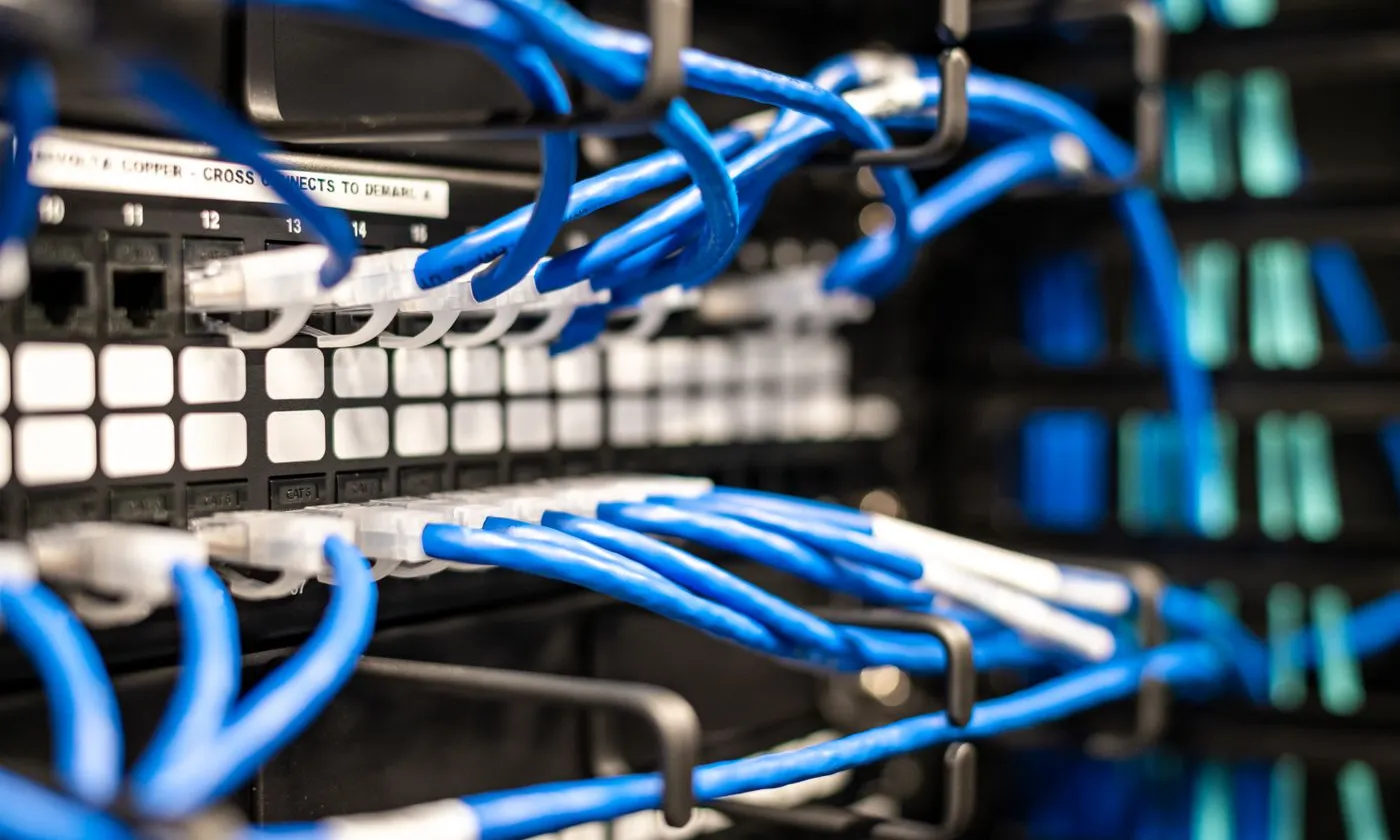
The layout most commercial buildings end up with
- Carrier entrance → MDF: the main telecom room where internet service lands.
- MDF → IDFs: fiber backbone up the riser to a telecom closet on each floor or zone.
- IDF → devices: Cat6 or Cat6A copper to workstations, access points, cameras, phones, and door hardware.
- Building → building: single-mode fiber between structures on the same campus.
When copper alone is enough
A single-floor office where every run stays under 90 meters from one telecom closet can be copper end to end. Adding fiber there adds cost without adding performance.
When to push for fiber
- Multi-story buildings with telecom closets on several floors
- Warehouses and distribution centers where devices sit beyond 90 meters from the closet
- Two or more buildings that share one network
- Manufacturing floors and other electrically noisy spaces
- Multifamily buildings with a riser serving dozens or hundreds of units
Mistakes we see on job sites
- Pricing by the cable alone. The cable is a small part of the total; labor, electronics, and future replacement are the real costs.
- Stretching copper past 100 meters. A link that works on day one can fail intermittently once the building fills with equipment and noise.
- Installing exactly enough fiber strands. Spare strands cost little while the crew is already pulling; adding them later means a new pull.
- Skipping certification. Without test results for every link, you have no proof of what you paid for.
- Handling fiber like copper. Tight bends and unprotected runs in crowded tray damage glass in ways you cannot see.
Frequently asked questions
Is fiber always better than copper? No. Fiber wins on distance, bandwidth headroom, and noise immunity. Copper wins on device power, cost per drop, and simplicity at the edge.
Can I run fiber directly to a desk? You can, but it requires fiber network cards or media converters and still cannot power phones or access points. It is rarely worth it in a standard office.
How far can copper Ethernet go? The standard channel is 100 meters, including patch cords.
Should a new building install fiber even if it is not needed yet? For multi-floor or multi-building sites, installing the backbone during construction, while risers and ceilings are open, is almost always cheaper than adding it later.
Planning a project in New York, New Jersey, or Pennsylvania?
UTECH designs, installs, tests, and documents fiber and copper infrastructure for commercial, retail, and multifamily buildings across New York, New Jersey, and Pennsylvania. We will walk the space, map your runs, and show you exactly where fiber pays for itself and where copper is the smarter call. Contact UTECH to schedule a site walk.