Network Infrastructure
Network Infrastructure Services: The Foundation Every Business Runs On
What network infrastructure includes, from carrier entrance to wireless, and how to plan it so the whole system works together.
By UTECH · · 2 min read
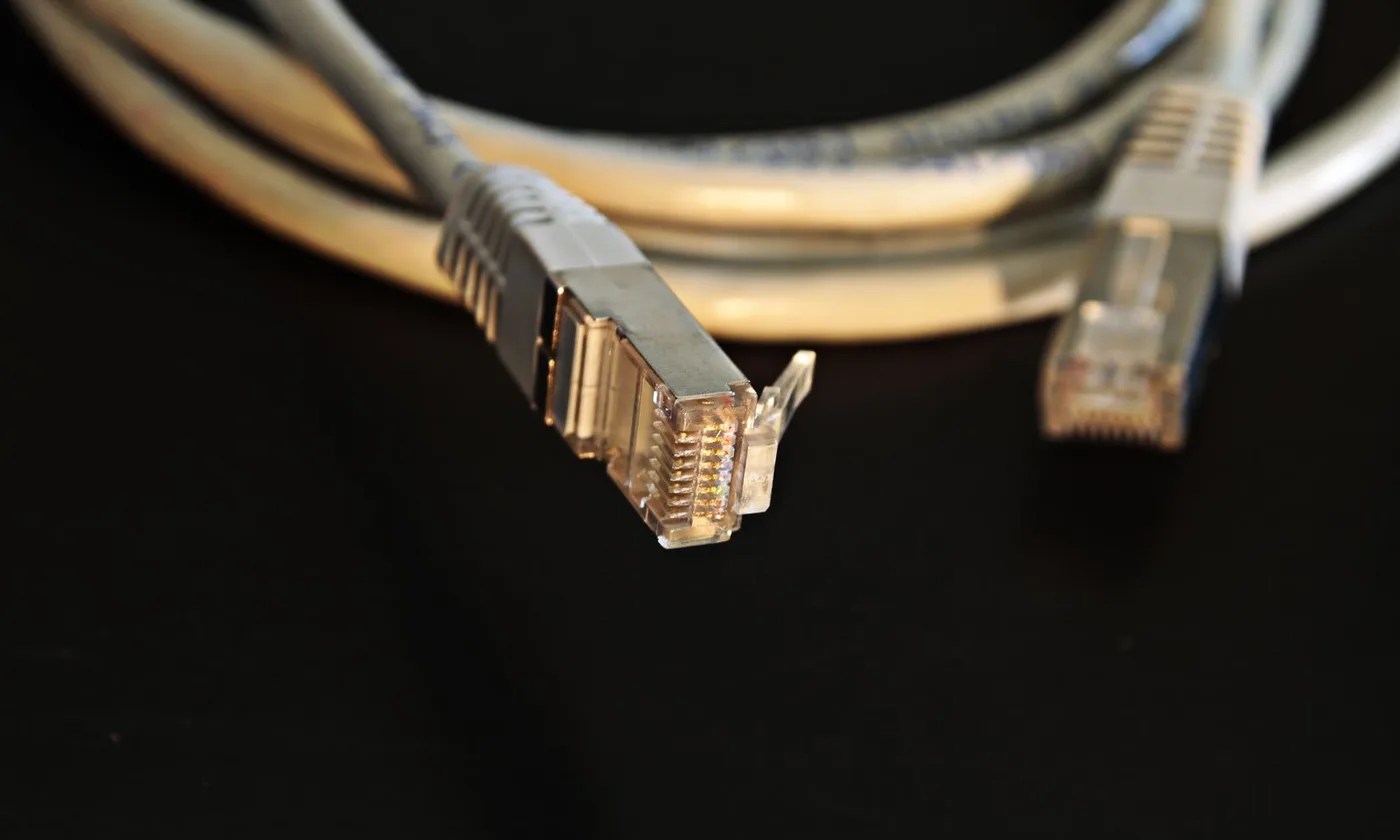
Network infrastructure is everything physical that your data travels through: cables, fiber, telecom rooms, racks, wireless, and the connections to the outside world. When it is designed as one system, it is reliable and easy to grow. When it grows piece by piece, it becomes fragile and expensive.
The layers of network infrastructure
1. Carrier entrance and demarc. Where internet and phone service enters the building. It should be documented, protected, and close to your main telecom room.
2. Main and floor telecom rooms (MDF and IDFs). Rooms that house patch panels, switches, and equipment, with power, cooling, and grounding.
3. Backbone. Fiber, and sometimes copper, connecting telecom rooms across floors and buildings.
4. Horizontal cabling. Cat6 or Cat6A runs from each telecom room to the devices people use.
5. Wireless. Wi-Fi access points designed for coverage and capacity, and fixed wireless links between buildings or as backup internet.
6. Building systems. Cameras, access control, intercoms, and building automation that ride on the same infrastructure.
Designing it as one system
- Telecom rooms placed so every horizontal run stays under 90 meters
- Backbone sized for today’s needs plus growth
- Wireless designed alongside cabling, not added afterward
- Power and backup power for critical equipment
- Separate network segments for guests, cameras, and building systems
Reliability and redundancy
- Backup power for switches, recorders, and controllers
- Spare fiber strands and pathway capacity
- A second internet path (diverse fiber or fixed wireless) for critical sites
- Monitoring so problems are caught before users notice

Documentation is part of the infrastructure
As-built drawings, cable schedules, fiber strand assignments, rack elevations, and test results are what let anyone support the system later. Without them, every change starts with an investigation.
Common signs of infrastructure trouble
- Unexplained slowdowns or drops in specific areas
- Overheating or overcrowded telecom rooms
- No one knows where cables go
- Single points of failure for internet or backbone links
- Wi-Fi complaints that new access points did not fix
Network infrastructure in NY, NJ, and PA
UTECH designs, installs, and supports network infrastructure for commercial, retail, and multifamily properties across New York, New Jersey, and Pennsylvania, from telecom rooms and fiber backbones to Wi-Fi and fixed wireless. Contact UTECH for an infrastructure assessment.