Structured Cabling
Ethernet Wiring Services: When Wired Beats Wireless for Your Business
Why businesses still wire their networks, which devices should always be hardwired, and what professional Ethernet wiring includes.
By UTECH · · 2 min read
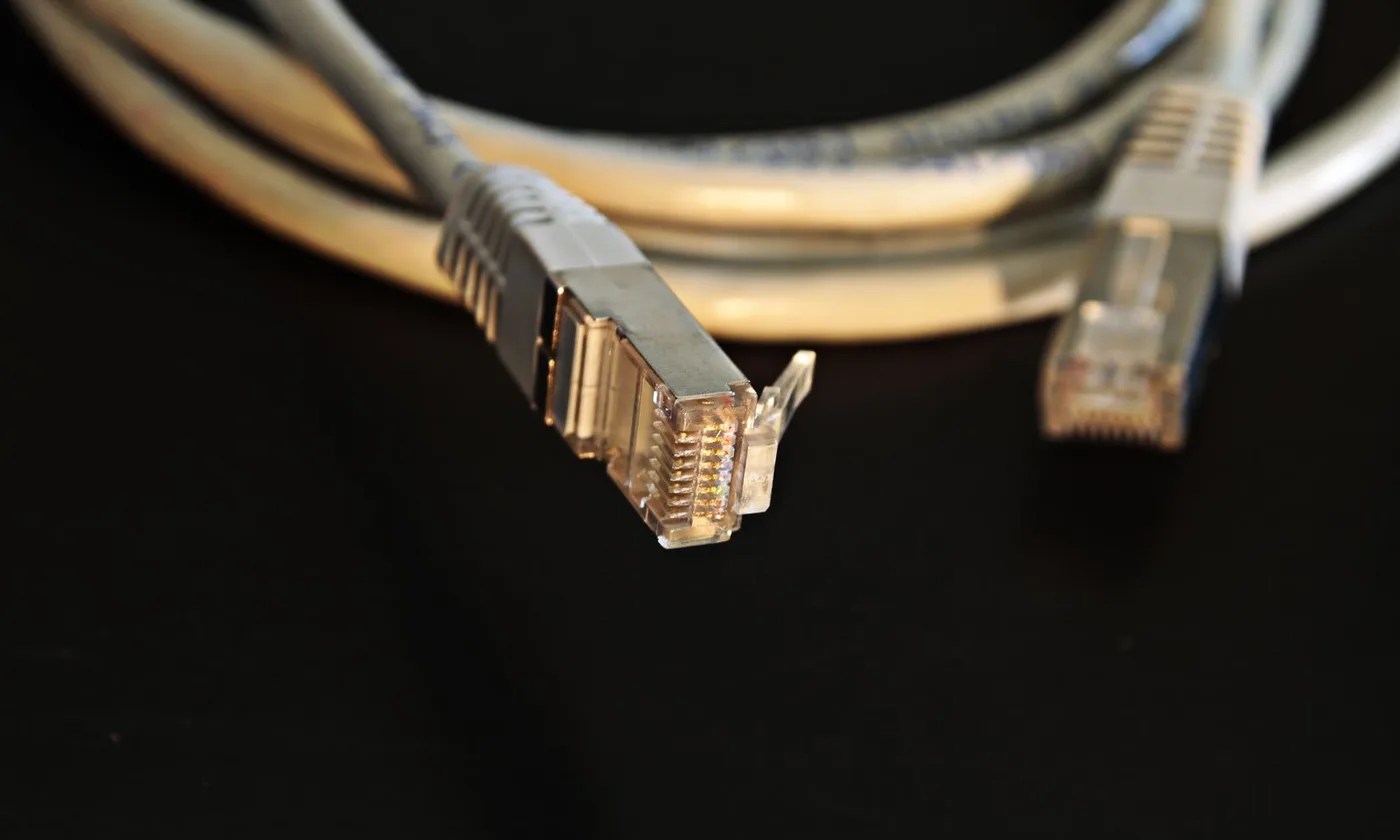
Wi-Fi gets the attention, but wired Ethernet still carries the heaviest and most important traffic in almost every business. A wired connection delivers consistent speed, low delay, and power over the same cable. The goal is not wired instead of wireless, but knowing which devices belong on a cable.
Why wired still matters
- Consistency: a cable is not affected by walls, crowds, or the neighbor’s network
- Capacity: each wired device gets its own dedicated link to the switch
- Low latency: better for voice, video calls, point-of-sale, and real-time systems
- Power over Ethernet: one cable delivers both data and power to phones, cameras, and access points
- Security: a device has to be physically plugged in to join
Devices that should always be hardwired
- Wi-Fi access points (the wireless network itself runs on cable)
- Security cameras and recorders
- VoIP desk phones
- Point-of-sale terminals and payment devices
- Printers and copiers
- Desktop workstations, especially for video, design, or large files
- Conference room systems and displays
- Servers, network storage, and building systems
What professional Ethernet wiring includes
- Planning: drop locations based on how each room is actually used
- The right cable: Cat6 or Cat6A, with plenum or riser ratings as the space requires
- Clean routing: supported pathways, separation from power, and firestopping at rated walls
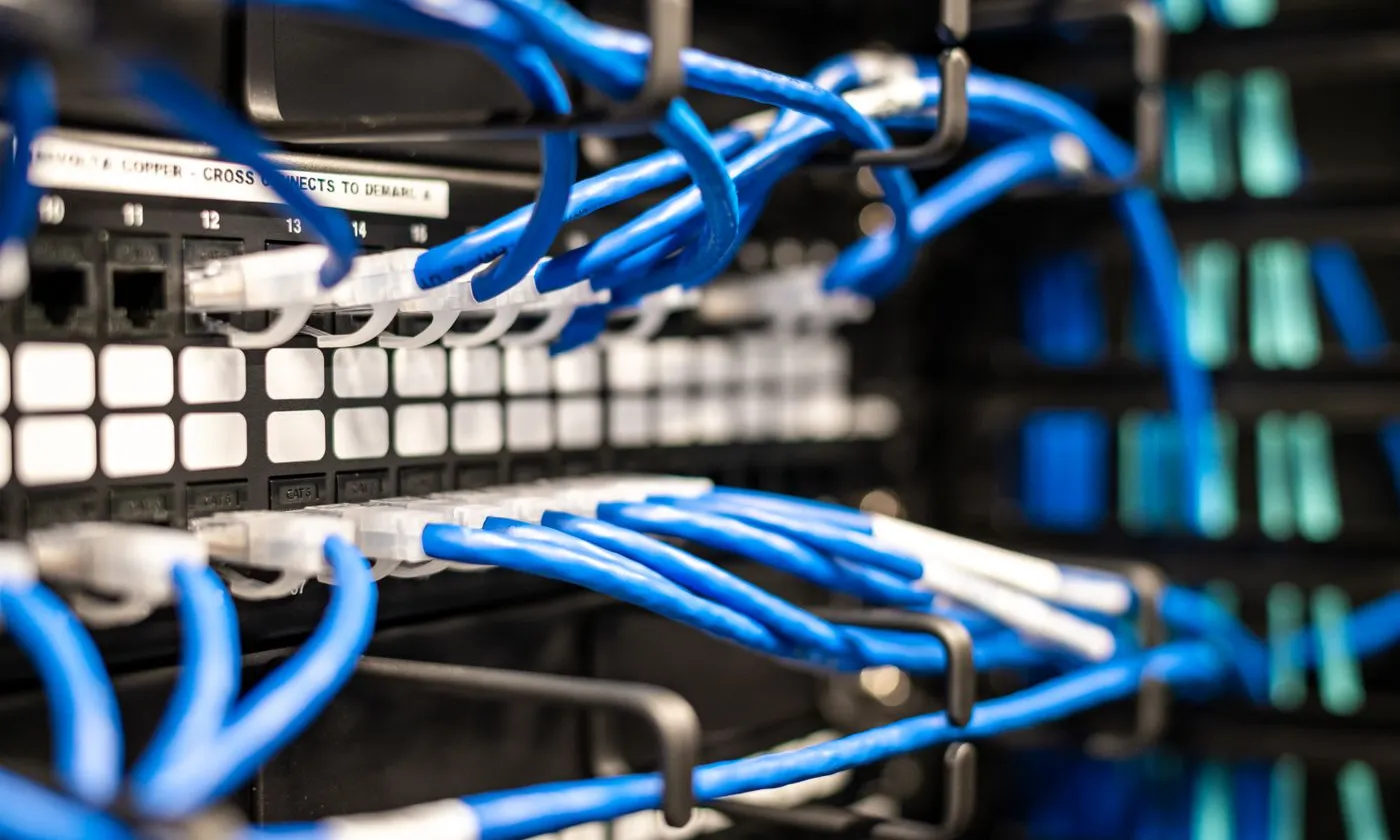
- Proper termination: matched-category jacks and patch panels in an organized rack
- Certification testing: proof that each link performs to its rating
- Labeling and documentation: so every jack can be traced to its port in seconds
Signs your wiring needs attention
- Ports that link at 100 Mb/s instead of gigabit
- Devices that drop off the network intermittently
- A rack that has become a tangle of unlabeled patch cords
- Daisy-chained small switches under desks
- Not enough drops, leading to extension cables across floors
Moves, adds, and changes
Businesses change constantly: new hires, reconfigured offices, new equipment. A well-documented cabling system makes those changes quick and inexpensive. An undocumented one turns every change into detective work.
Ethernet wiring in NY, NJ, and PA
UTECH installs, tests, and documents Ethernet wiring for offices, retail, and multifamily buildings across New York, New Jersey, and Pennsylvania, from a few new drops to complete building wiring. Contact UTECH to plan your project.